United States
Cafés, QSR & multi-unit dining
Product
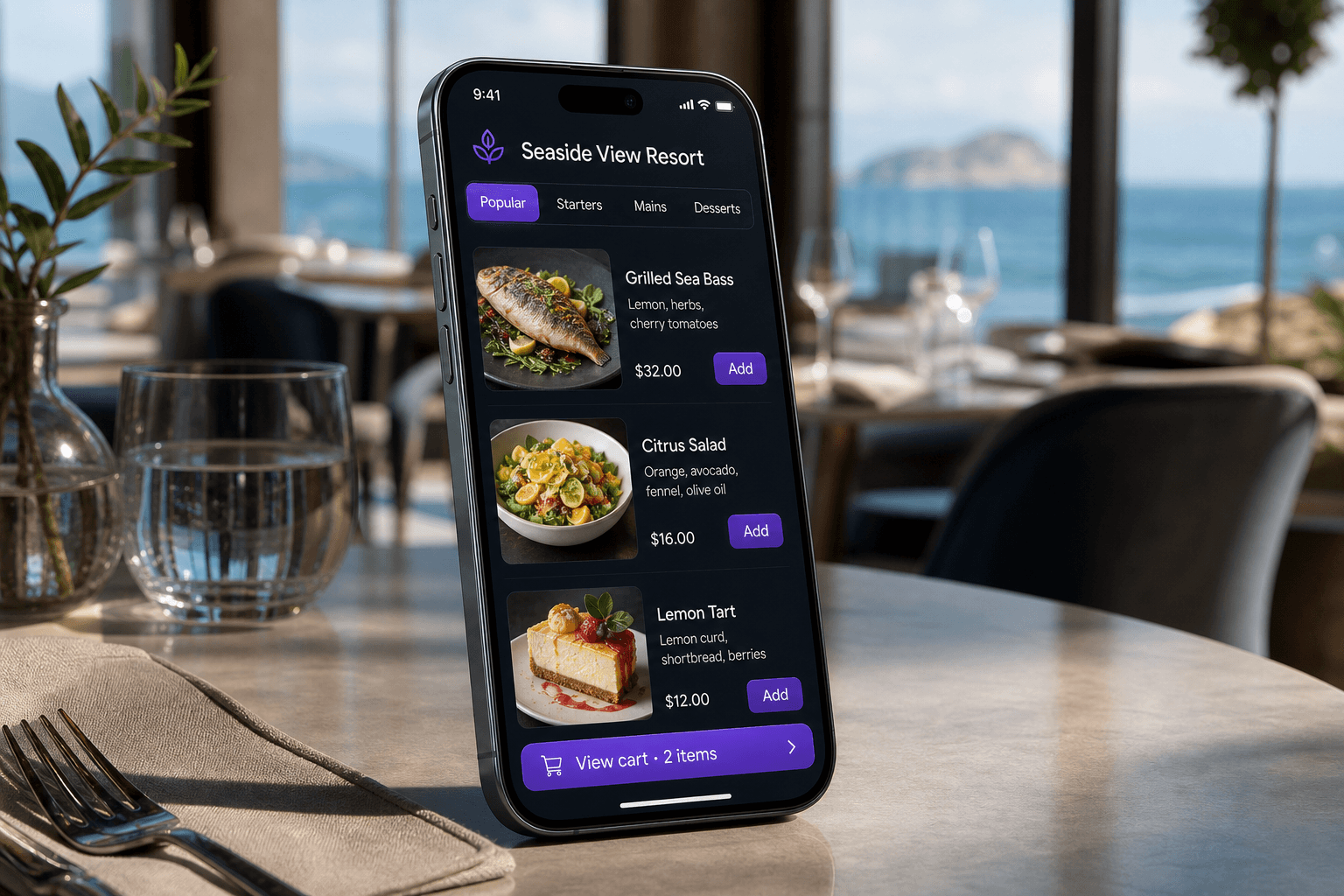
Publish a QR menu on your own MenuBip URL, manage it from one dashboard, and unlock live ordering plus kitchen tickets on Business and above. Built for restaurants in the US, UK, Australia, India, and other markets.
United States · United Kingdom · Australia · India · Global
Markets we serve
United States
Cafés, QSR & multi-unit dining
United Kingdom
Pubs, restaurants & hotel F&B
Australia
Cafés, bars & venue groups
India
Full-service, QSR & hotel dining
Other markets
Any venue with QR-ready tables
Start with a public menu. Add ordering, kitchen, POS, and multi-property tools as you upgrade - see Pricing for the full breakdown.
Publish categories, dishes, and offers at your MenuBip username URL - included from Starter.
Business and above: dine-in, takeaway, and delivery orders with kitchen ticket routing.
Pro adds day-end close, Z-reports, tax invoices, and stock purchasing tools.
Enterprise adds multi-property control, loyalty, custom domains, and hotel-oriented features.
All plans
Claim your username at signup. QR codes and share links open app.menubip.com/your-username - easy to print, send, and remember.
See plans →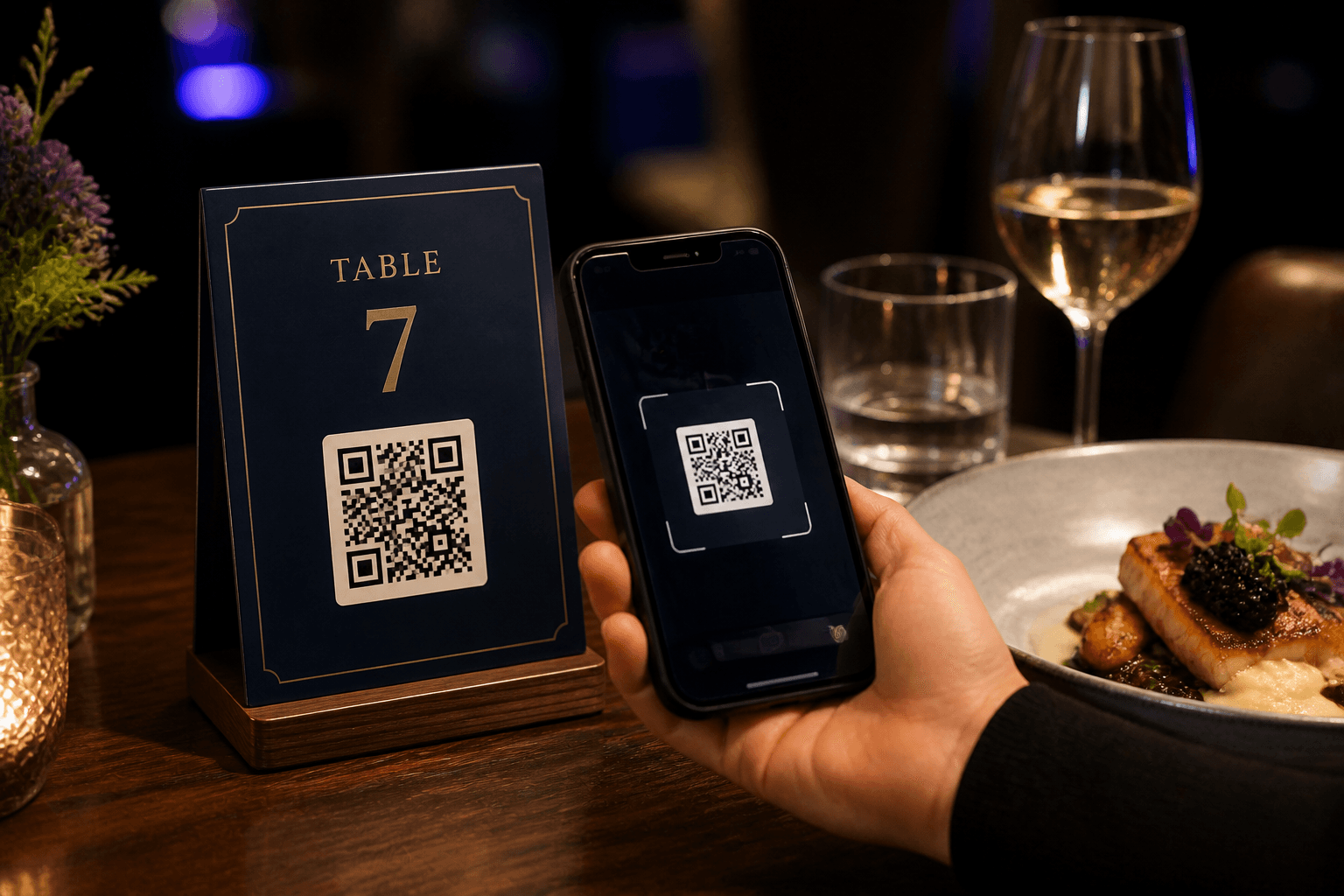
Business and above
On Starter, the guest menu is view-only. Upgrade to Business to let guests order dine-in, takeaway, or delivery, with discounts and guest details on each ticket.
See plans →Business and above
Live orders route to kitchen displays with clear status so tickets do not get lost between the table and the pass.
See plans →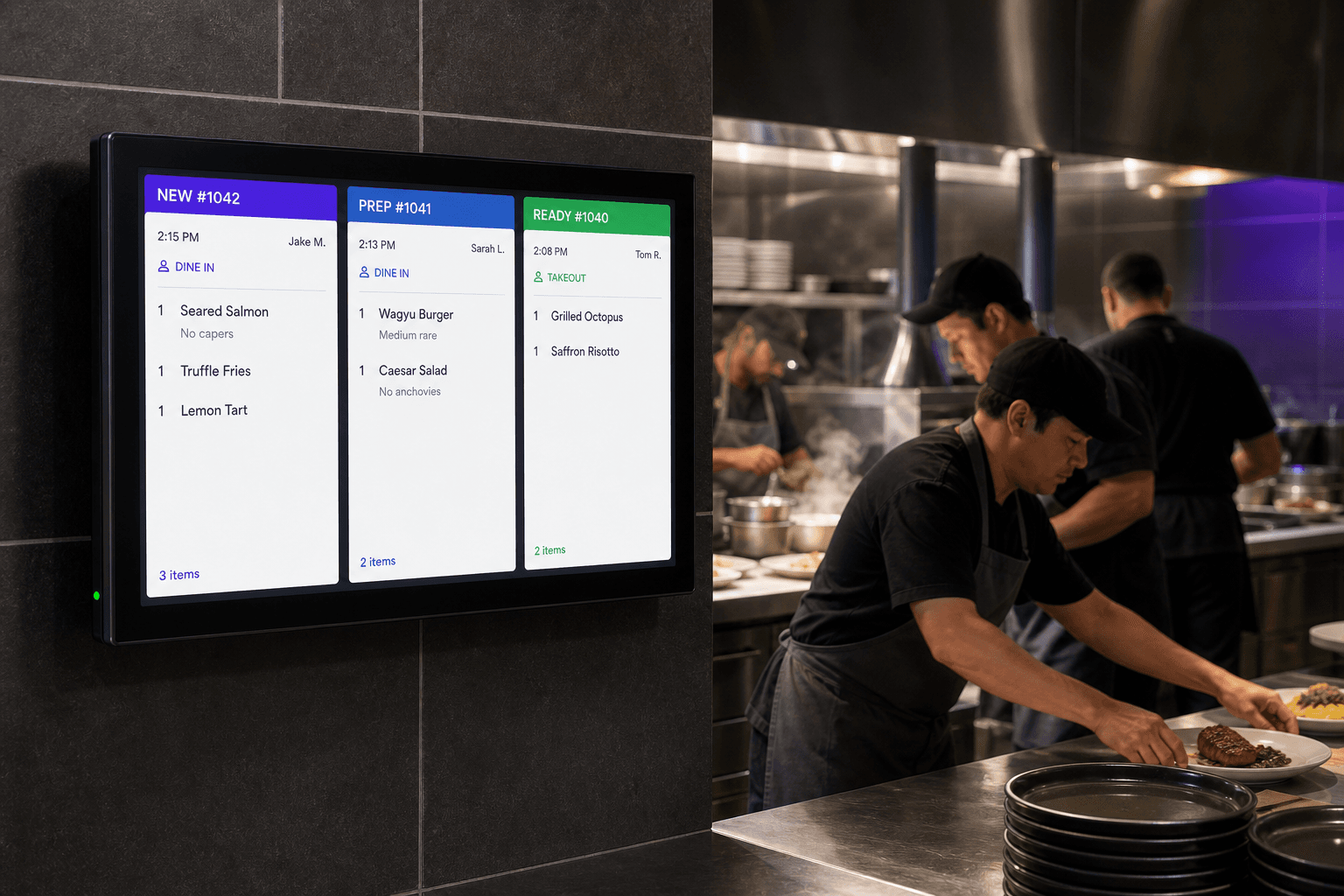
Dashboard
Edit dishes, hours, and branding on every plan. Higher tiers add tables, guest capture, POS close-out, tax invoices, and multi-property tools.
See plans →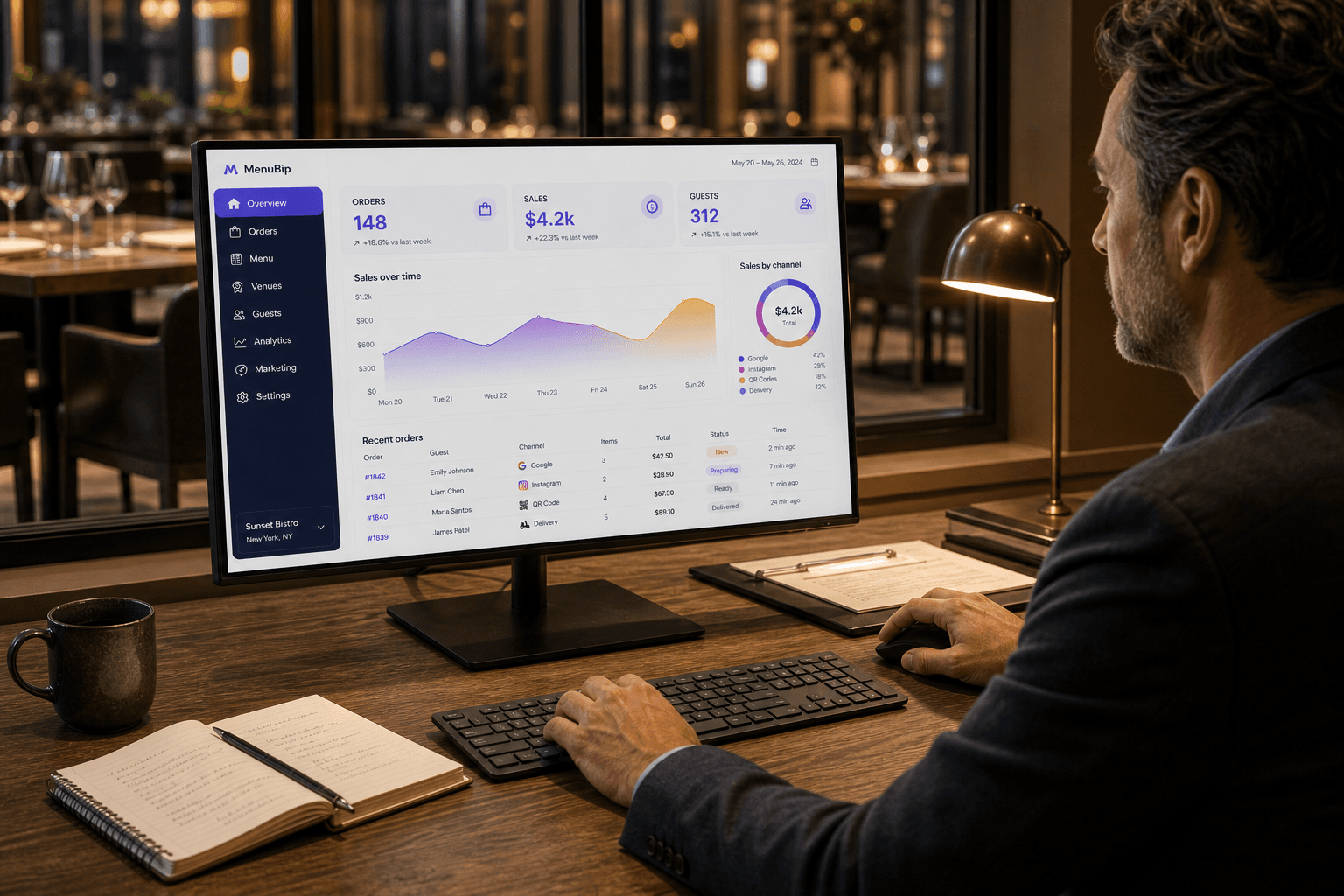
Guest flow
On Starter, guests stop at browse. With Business+, the same QR can take the order through to the kitchen.
1. Scan the table QR
2. Browse and place the order
3. Kitchen receives the ticket
US · UK · Australia · India · Global
Start a 15-day trial, claim your username, and publish a polished QR menu that works on every phone. Need help? Email contact@menubip.com.
Ready when your venue is